Owner Reports
- Select
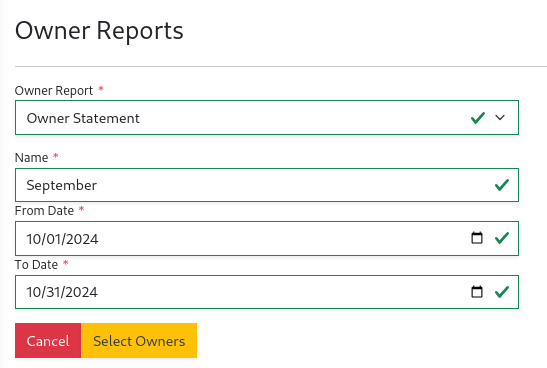
Owner Reportsunder theOwnersmenu. - Select the report type, name, and fill in additional attributes. Select
Select Ownerswhen ready.
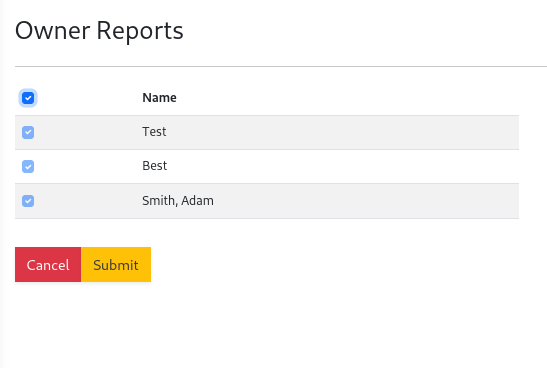
- Select from the list of owners to send the report to, then click
Submit
- The report is now available for owners on the owner portal and your
Owner Directoryunder theOwnersmenu.

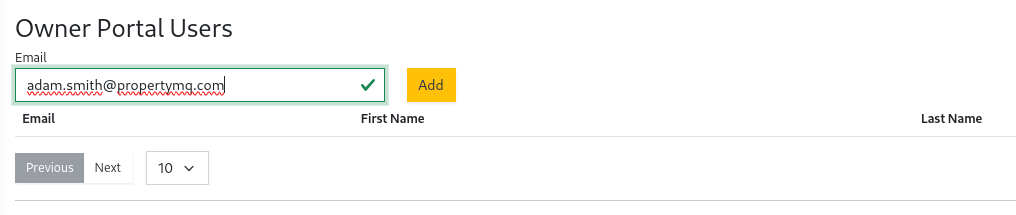
You can invite owners to the owners portal by selecting the Owner Directory under the Owners menu. Then select the owners name link.
At the bottom of the page is the Owner Portal Users where you can add emails to give an owner access. The owner portal is
available at https://owner.propertymq.com