Adding a Property
Follow the steps below get started by creating a property.
In the left navigation pannel under
REAL ESTATEselectProperties. Then at the top right of the page click theAdd Propertybutton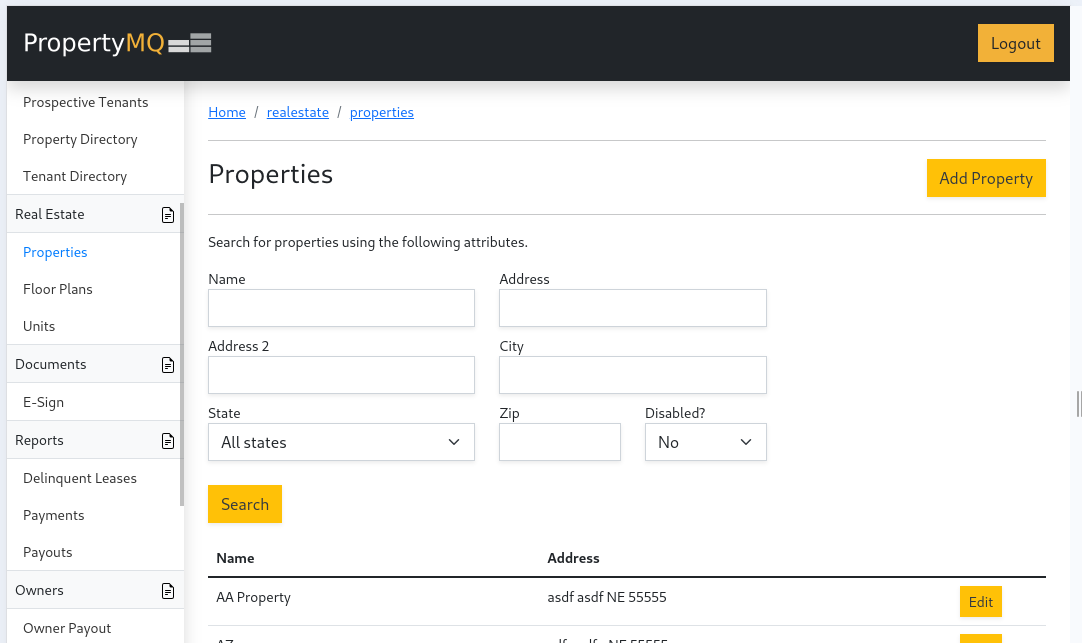
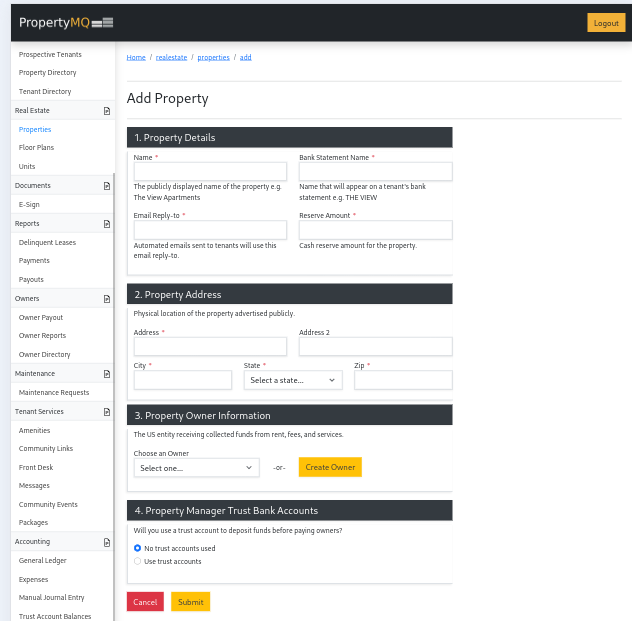
Under
Property Detailsenter your properties information
- Under
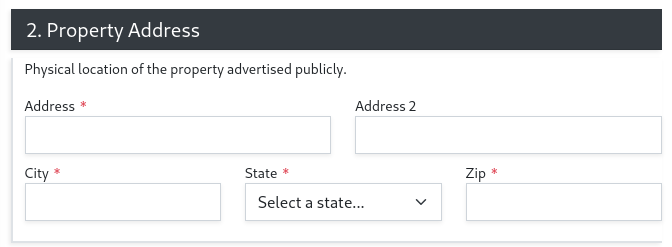
Property Addressenter the following information:
This is the address of the property. You will enter the address of the individual units later. This address is visible to owners and tenants.
- Under
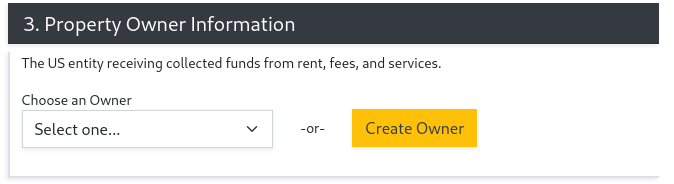
Property Owner Informationenter the following information
You can select an existing owner from the drop down list or create a new one. You can always edit owners in the Owner Directory once they are created.
- Under
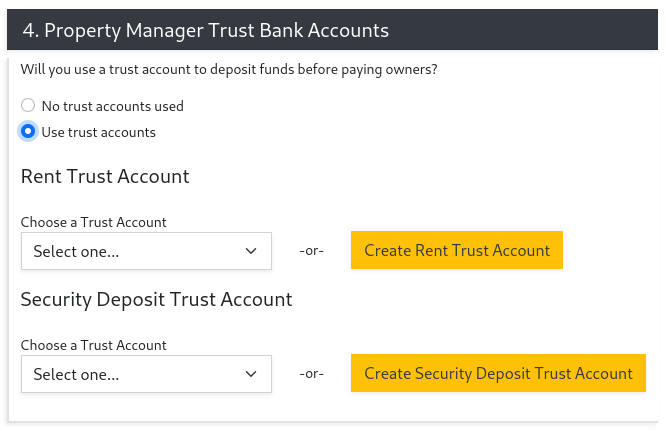
Property Manager Trust Bank Accountsenter the following information
Select if you would like to use trust accounts to deposit funds. If you use trust accounts, you can select from existing trust accounts for rent and security deposits or create new ones.
Congratulations you have created a property on PropertyMQ.