Creating a Floor Plan
Follow the steps below to create a Floor Plan for your avaliable Units. These Floor Plans will be used to represent the type of units that your properties have avaliable for lease.
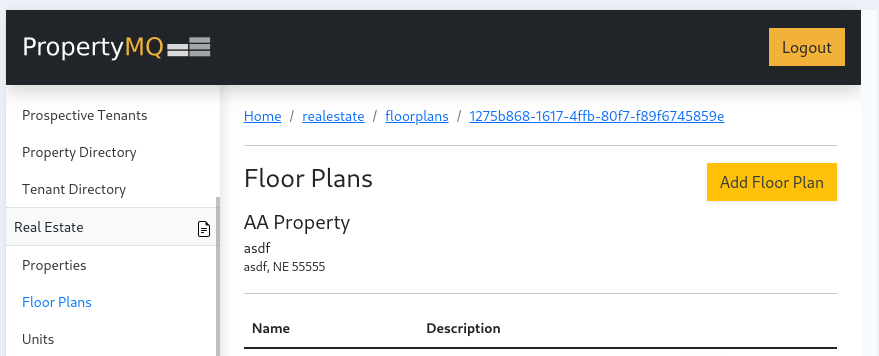
- In the left navigation panel under
REAL ESTATEselectFloor Plans. Then at the top of the page click theAdd Floor Planbutton
- Fill out the information seen below and click
Submit
All of the floor plan fields are required except the image.
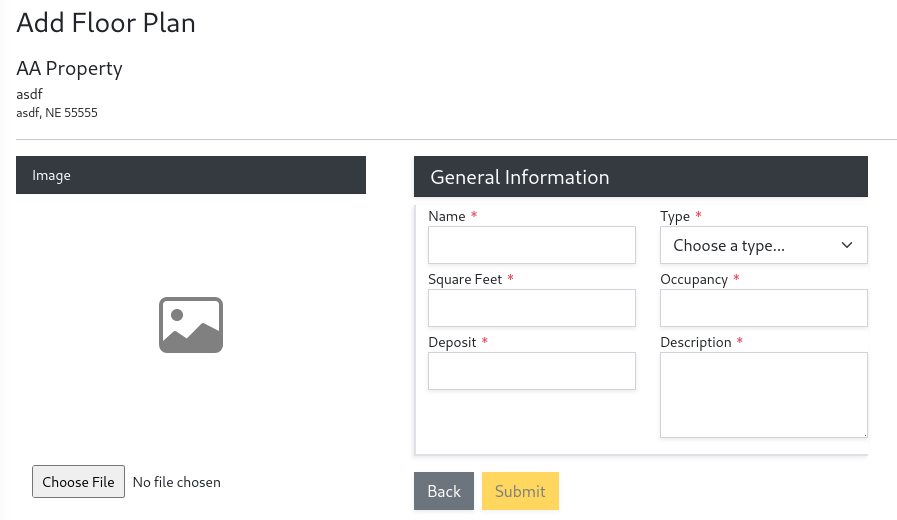
Click Submit to save the new floor plan. After submitting you will then have the option to set default terms and services for the floor plan. This is only needed if you use the Tenant Application feature to accept applications.
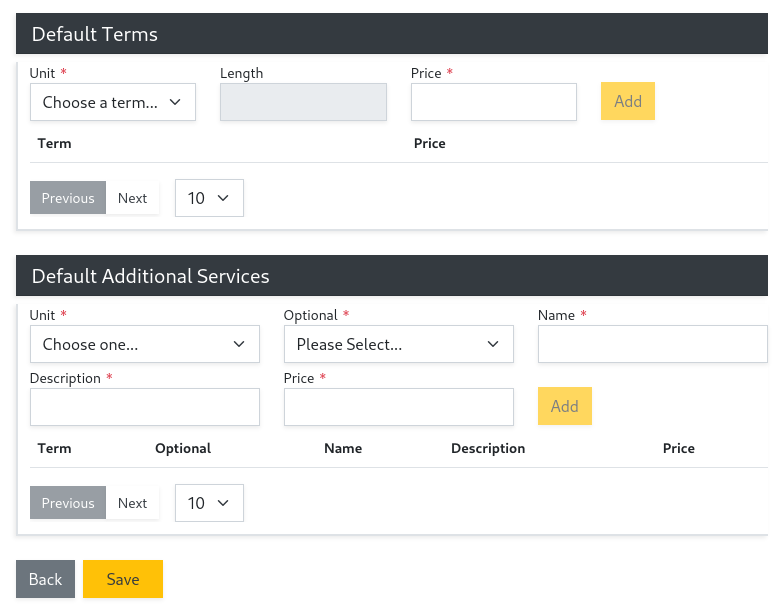
Now that you have created a floor plan you can move on to creating units that use this floor plan.